An LED display for your desk
Your next train, today's weather, the family calendar and the song that's playing, in bright pixels you can read from across the room. Set it up with your phone in a minute. Coming soon.
Your next train, today's weather, the family calendar and the song that's playing, in bright pixels you can read from across the room. Set it up with your phone in a minute. Coming soon.
Leave it on Glance and it shows everything you care about, under the time and temperature: your train, the weather, today's plans and the song that's on.
Link your Google calendars and give everyone in the house a color. See today and tomorrow at a glance, and know whose practice is next.
Enter your ZIP code once. Get the temperature in big numbers you can read across the room, plus the next few hours and tomorrow. Fahrenheit or Celsius.
In New York, pick your subway station or bus stop and see exactly when the next one is coming, live from the MTA. Leave right on time.
Try any station. The times here are an example; on the display they're live.
Link Spotify and see what's playing, album art and all, right on your desk. Podcasts too.
A big clock that's always right, with the date. Plus a timer, a stopwatch and a pomodoro that keep going in the background and flash the screen when time's up.
Jump cactuses in the dino runner, play snake, or practice times tables with the math quiz. Just pick up the remote.
When there's nothing to check, let it be a little window instead. Clouds drift past snowy peaks, leaves let go of an autumn tree, moonlight glints on a river, waves wash up a beach and snow falls on a cabin.
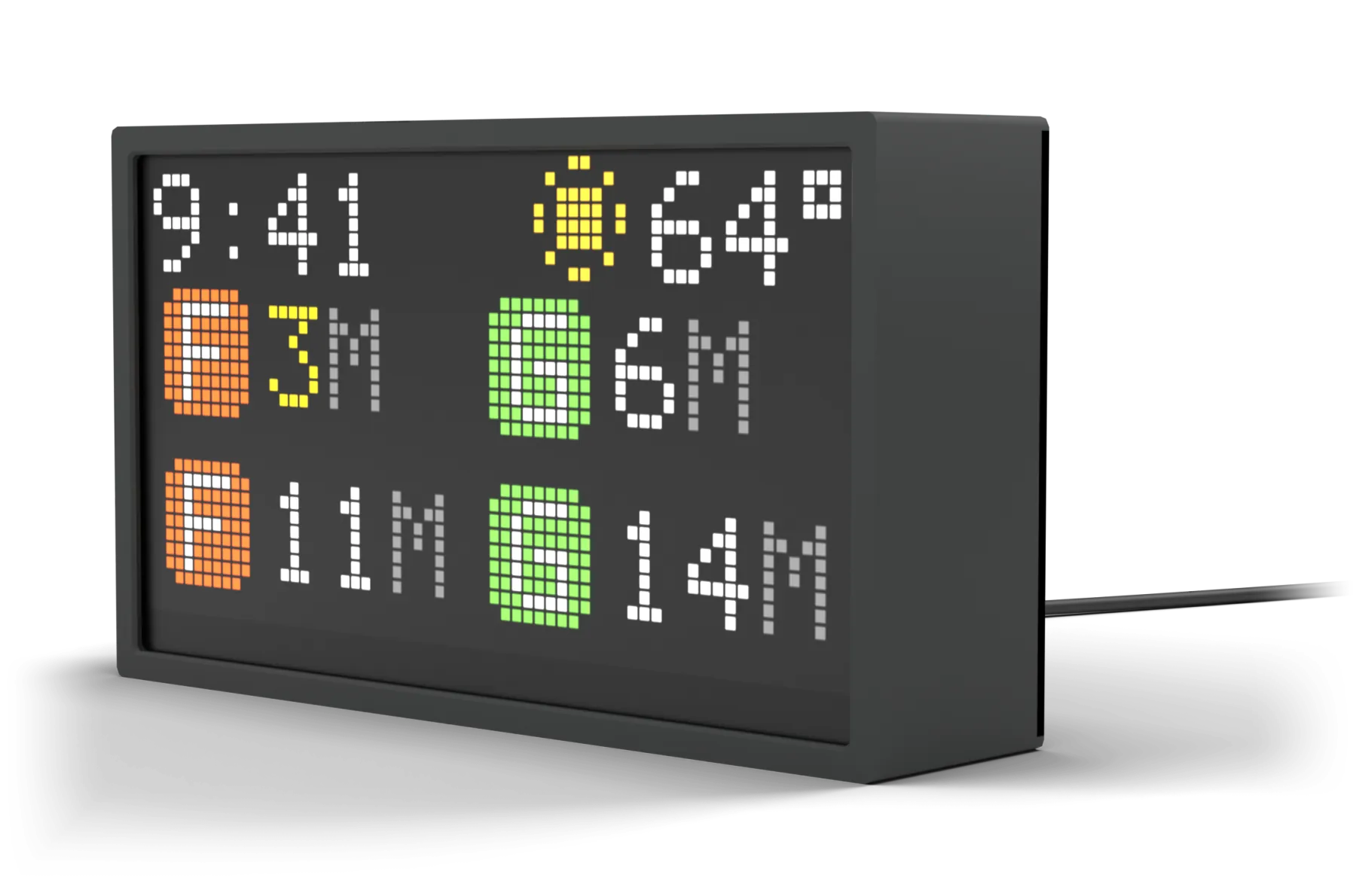
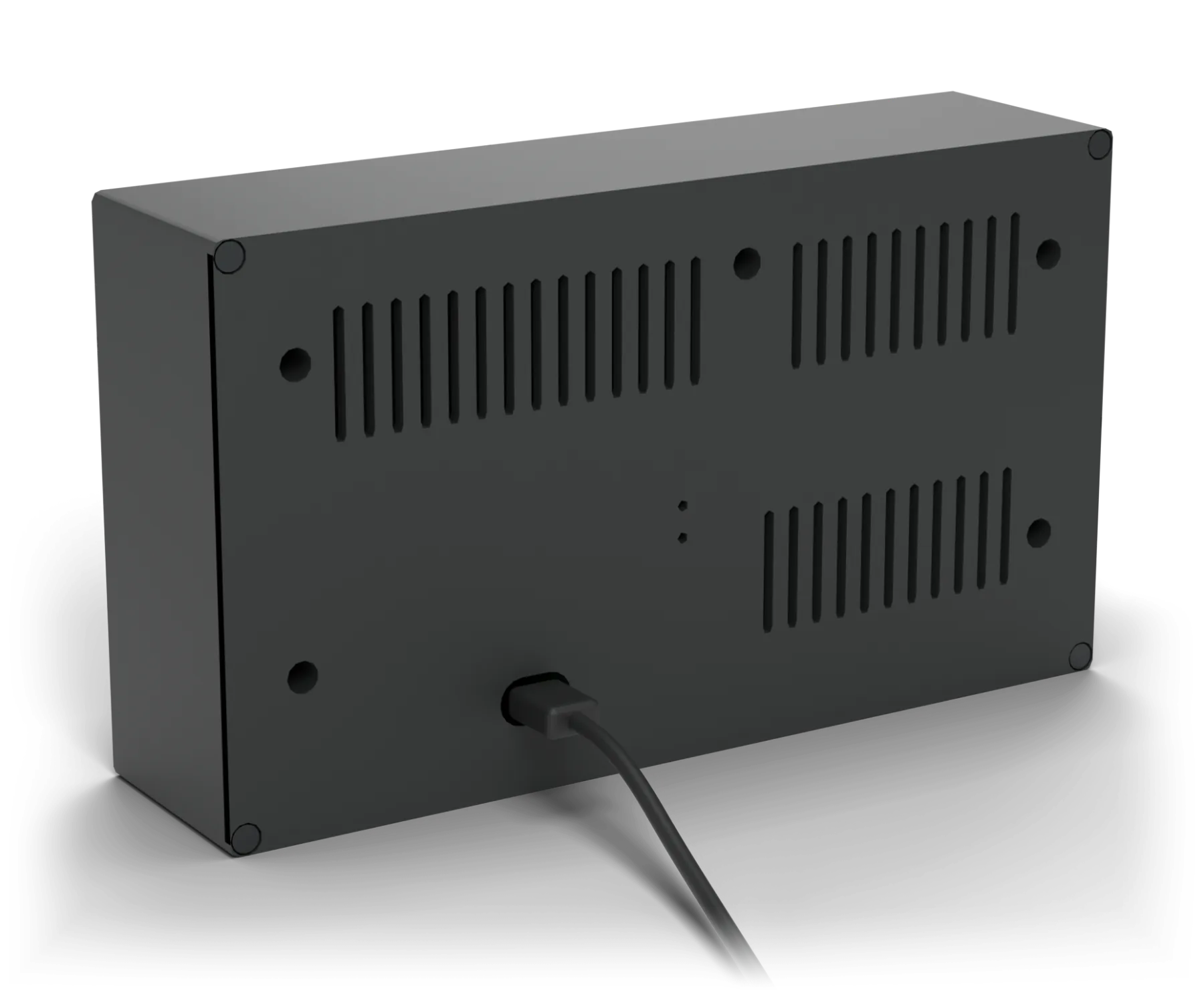
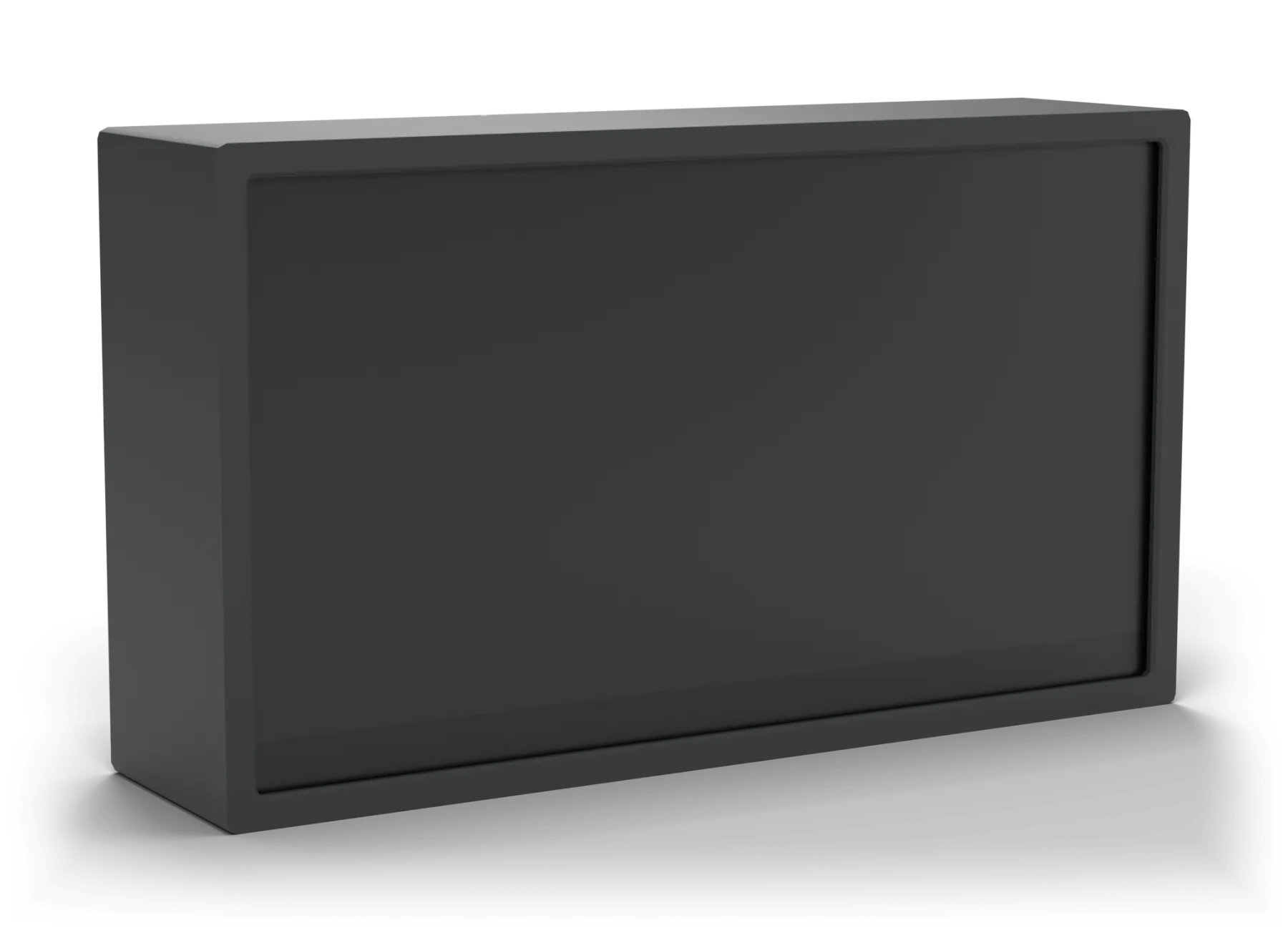
The smoked front stays dark until it lights up, then every pixel glows bright and sharp. It's about eight inches wide and stands on its own, so it fits on a desk, a shelf or the kitchen counter.
Use the remote to choose what you want to see: trains, weather, your calendar, music and more.
No. Scan the code on the display with your phone's camera and make your choices on a simple web page. That's it.
No. It stands on its own on a desk, a shelf or a counter. Just plug in one USB-C cable.
The weather, clock, calendars, Spotify, timers, games and pixel art work anywhere in the US. Train and bus times are New York City only, for now.
Only your events and the song that's playing. It never changes anything, and you can unlink it whenever you like.
Yes. Train and bus times stay up to the minute, and your calendar, weather and music keep themselves current.
Connect it once from your phone, and it remembers your network from then on.
It isn't on sale yet. Leave your email and we'll tell you when it is.
Leave your email and we'll let you know the day it goes on sale.